





Description
Download Yandex Browser with Protect – secure browsing, web browser, privacy, data compression, Turbo Mode, reader mode, Incognito Mode, sync, voice search, Zen feature, wallpaper library, third-party blocking apps, public WiFi protection, fraud protection, news feed, fast loading, lightweight browser, desktop app
Overview
Yandex Browser with Protect is a modern web browser developed by Яндекс, designed to deliver a secure and efficient browsing experience on Android devices. The software aims to address common online challenges such as slow page loading, excessive data consumption, and exposure to malicious or fraudulent websites. It is tailored for users who prioritize privacy, performance, and customization in their daily internet usage. Whether for personal browsing, research, or staying updated with current events, the browser offers a streamlined environment that balances functionality with security. Its core purpose is to protect users from online threats while enhancing the speed and clarity of web content. The browser integrates features like data compression and Turbo Mode to optimize performance, particularly on unstable or slow networks. It also includes tools for content focus, such as Reader Mode, and supports seamless access to saved data through account synchronization. The developer did not provide additional system requirements.
Key Features & Capabilities
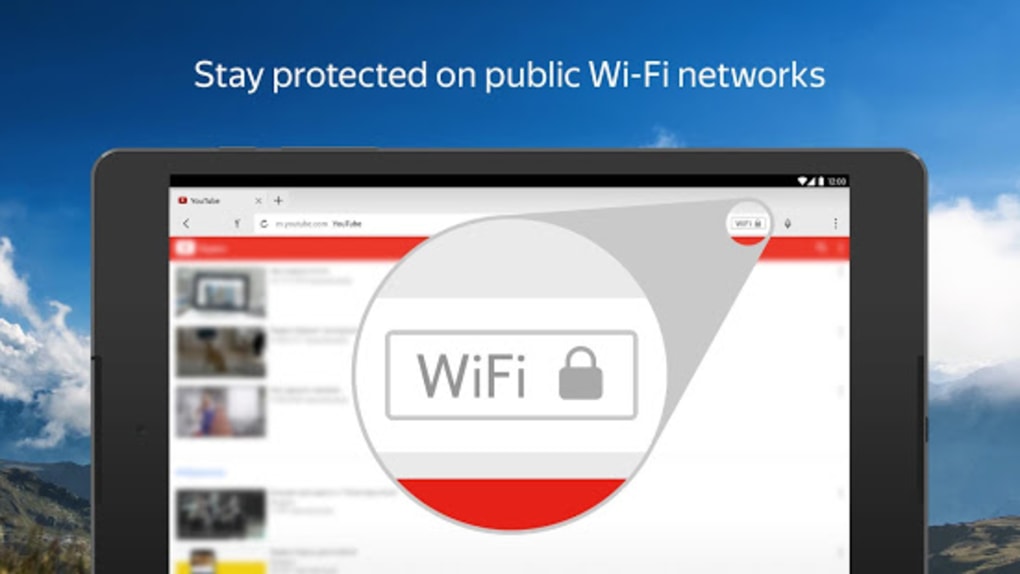
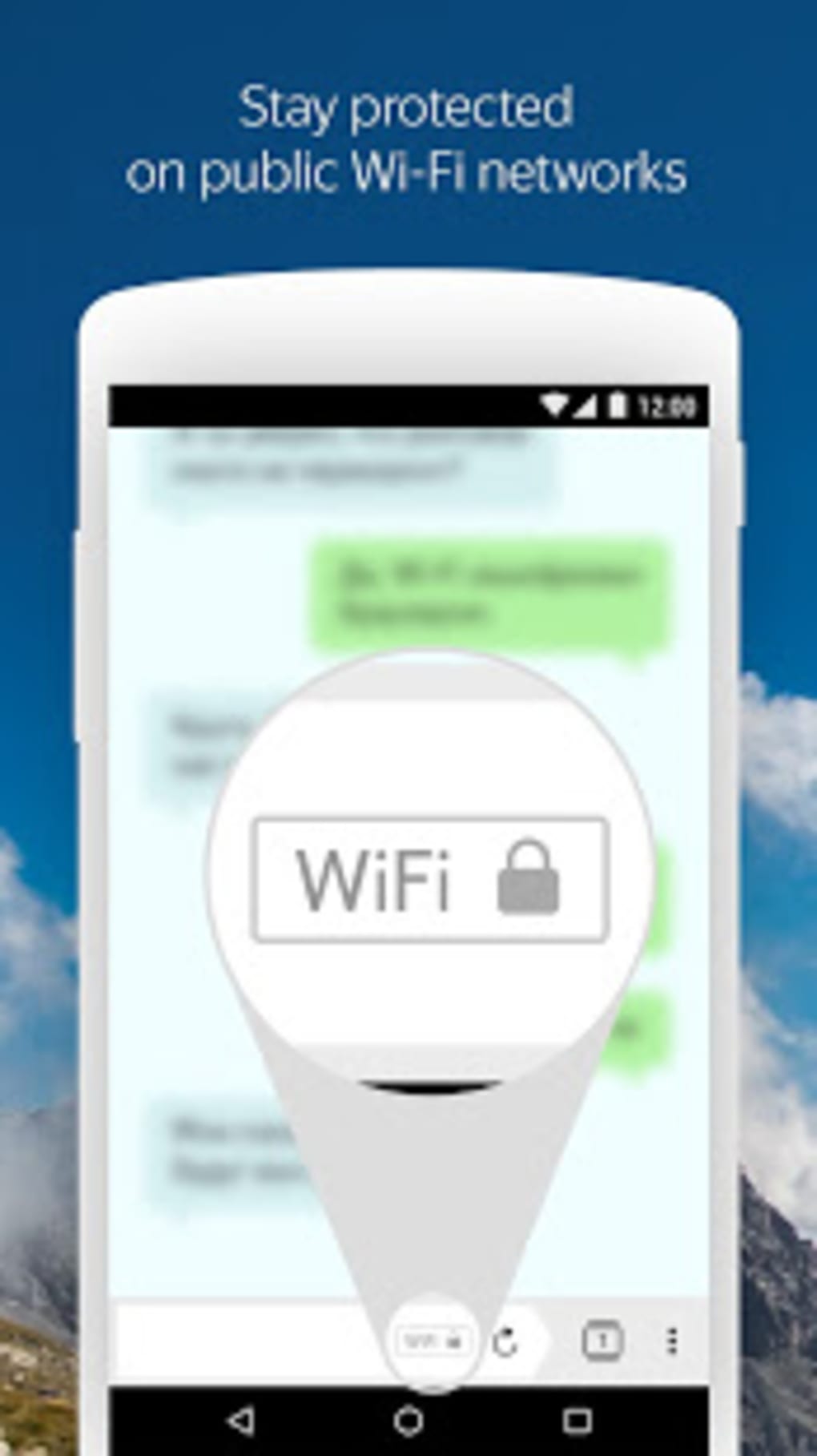
- Secure Browsing with Protect System: The browser’s built-in security layer helps safeguard personal data, especially when connecting to public WiFi networks. It actively detects and blocks fraudulent pages to prevent phishing and malware exposure.
- Data Compression & Turbo Mode: Every element loaded on the browser is compressed to reduce data usage. Turbo Mode accelerates the loading of websites, images, and videos, improving performance on slow or congested networks.
- Reader Mode: This feature strips away ads, buttons, menus, and widgets, allowing users to focus solely on the main content of articles and web pages.
- Incognito Mode: Enables private browsing by preventing the storage of account passwords, search history, and browsing activity, ideal for sensitive tasks.
- Sync Across Devices: Users can link their Yandex account to synchronize bookmarks, saved websites, and preferences across multiple devices.
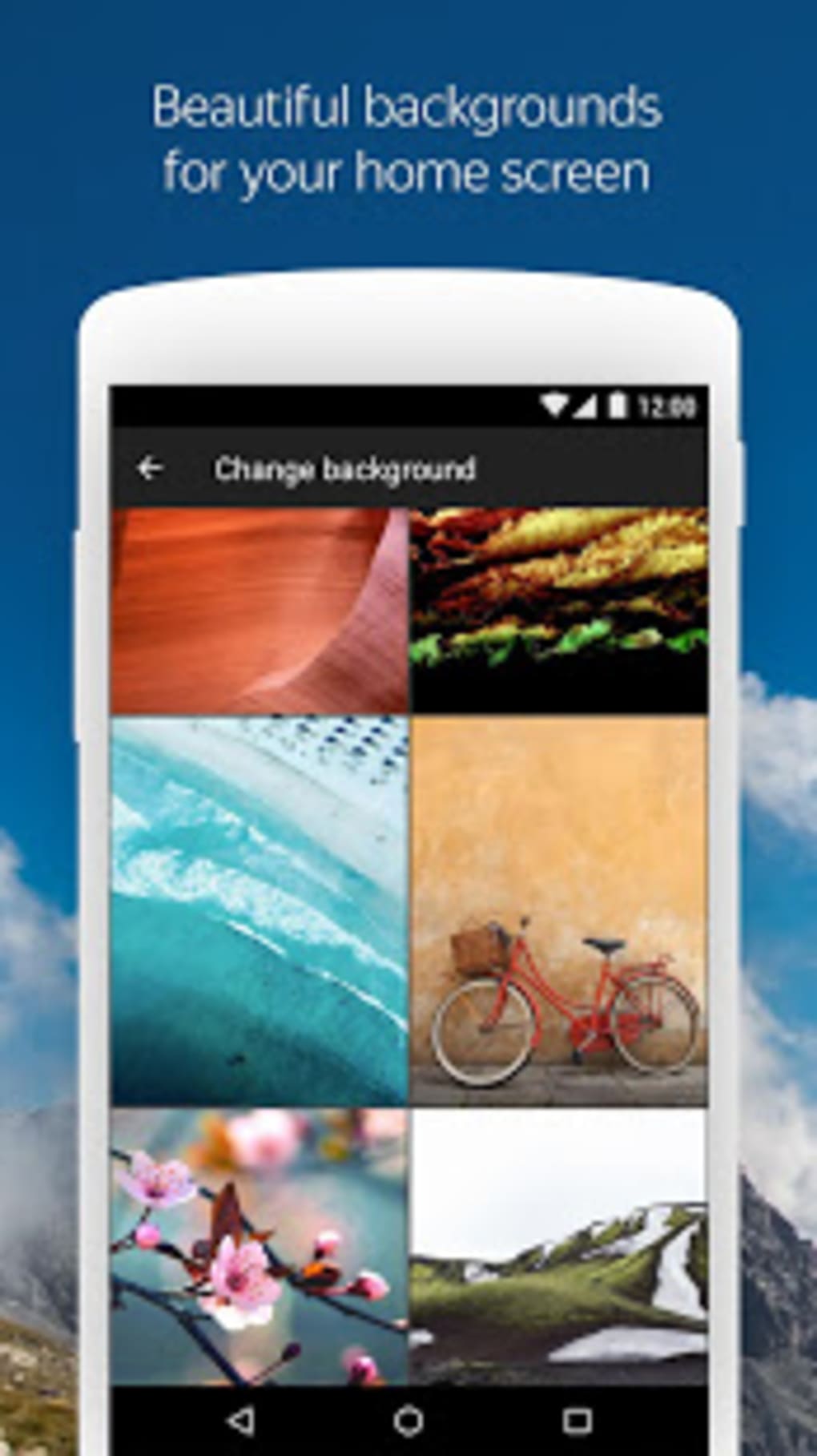
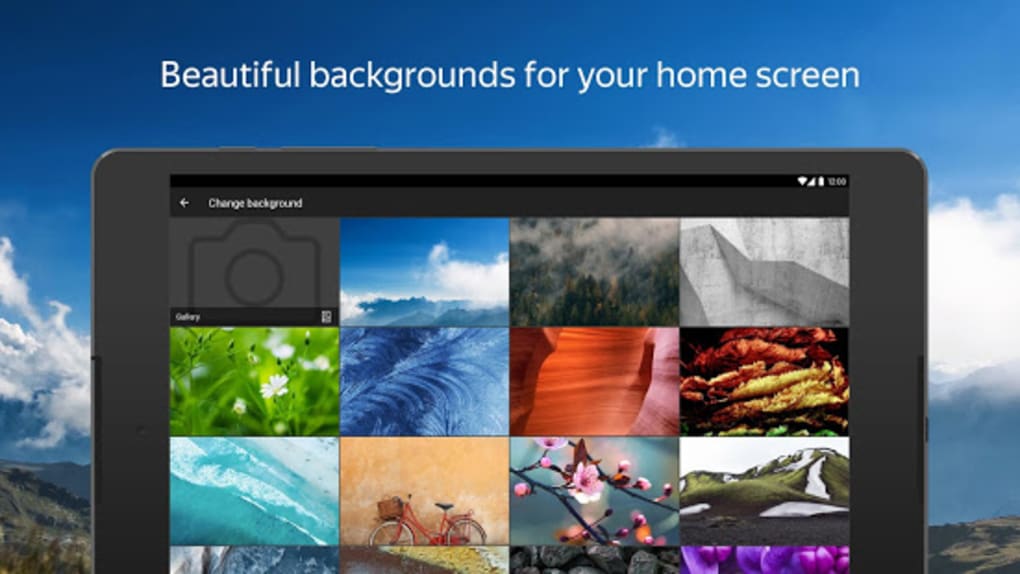
- Personalized Wallpapers: The browser includes a built-in wallpaper library, allowing users to customize the browser’s appearance with dynamic or static images.
- Voice Search: Users can perform searches using voice commands, offering a hands-free and efficient alternative to typing.
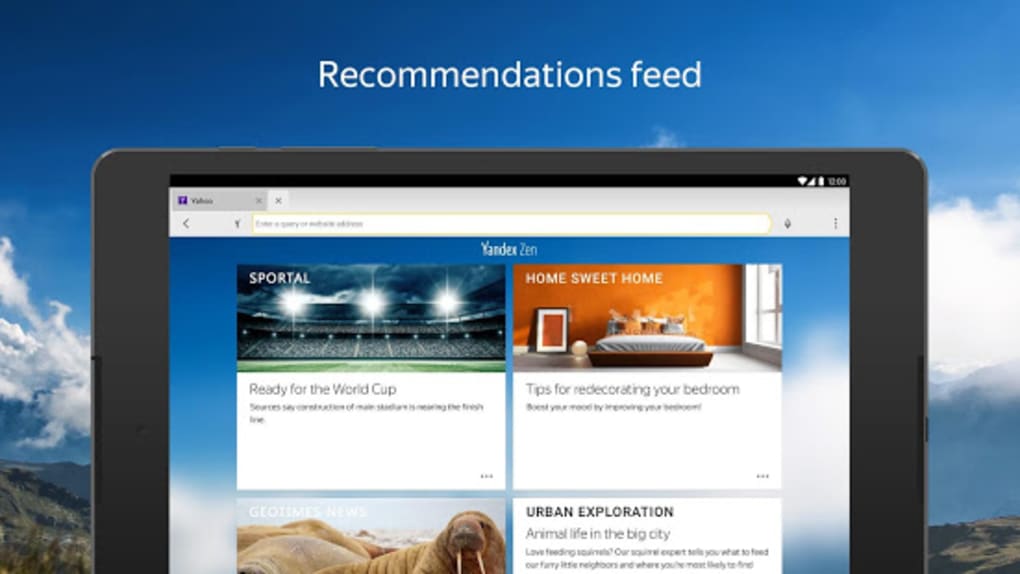
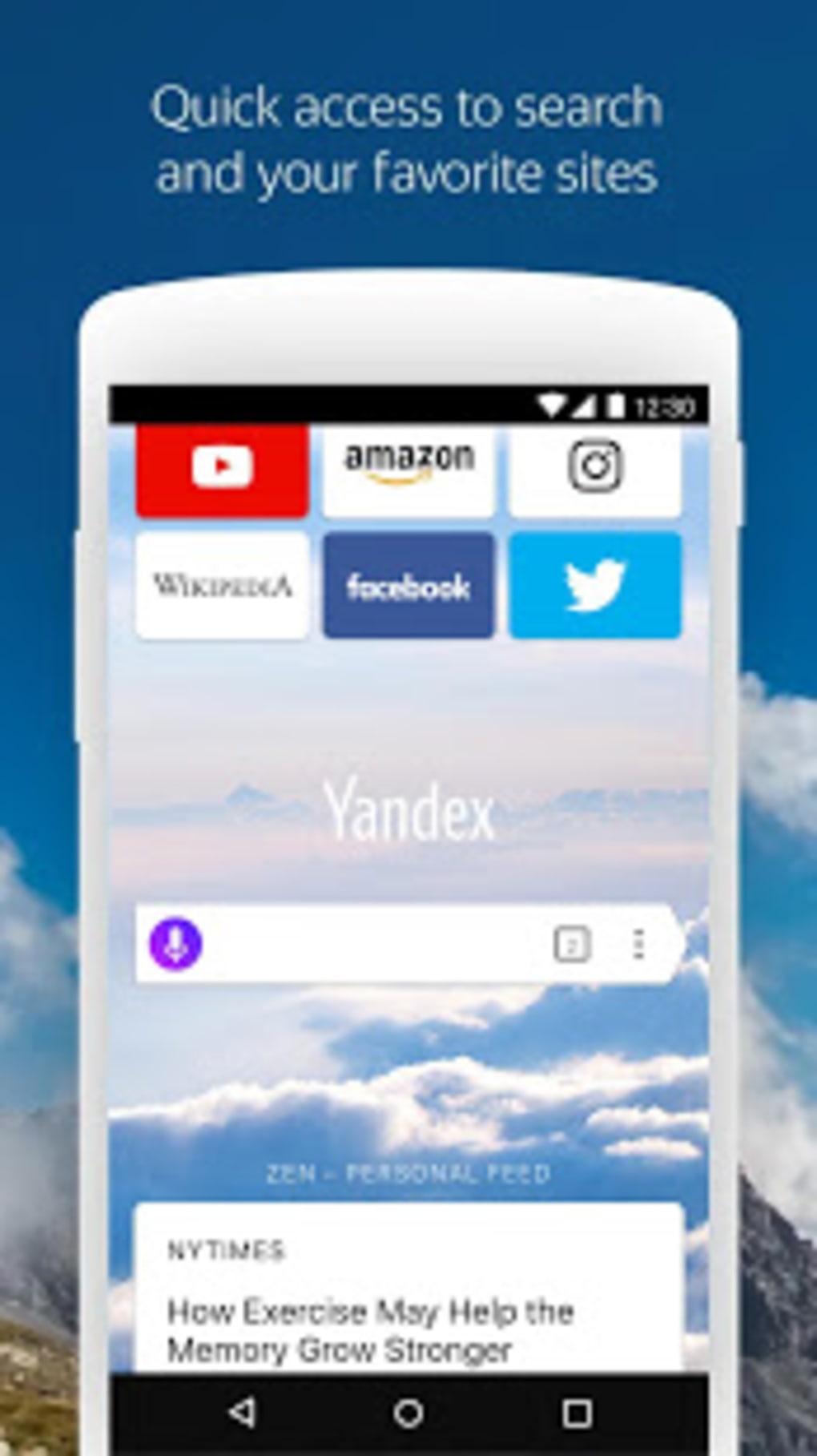
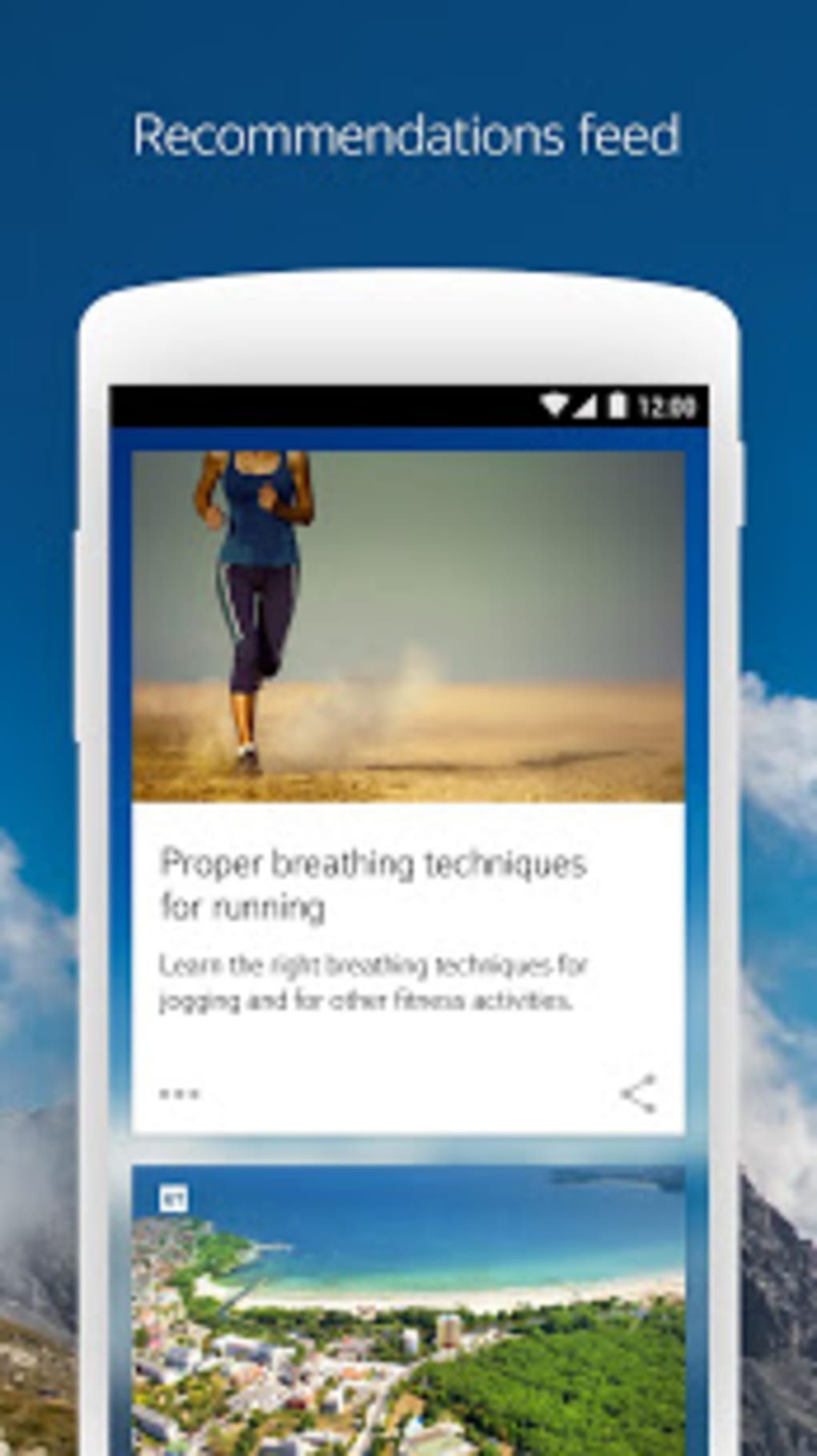
- Zen Feature: Provides a curated feed of internet-based stories, news, and videos, delivering a continuous stream of content in a visually engaging format.
- Third-Party Blocking App Compatibility: The browser works seamlessly with external ad and tracker blocking applications, enhancing privacy and performance.
User Interface, Workflow & Performance
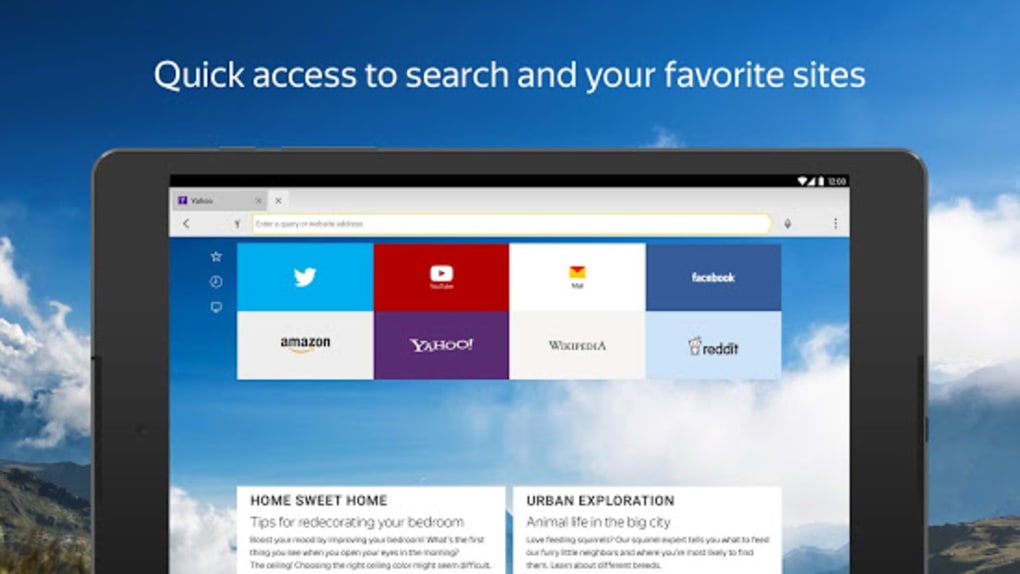
The browser features a clean and modern interface with intuitive navigation, making it accessible to both casual and advanced users. The layout emphasizes ease of access to core functions such as the address bar, tabs, and menu options. Users can switch between browsing modes—standard, Incognito, and Reader Mode—without disrupting workflow. The integration of the Zen feature as a news feed adds a dynamic element to the browsing experience, allowing users to discover content without leaving the app. The workflow remains consistent across different tasks, from searching to saving bookmarks. Performance observations are based on general software behavior patterns. The developer did not specify resource usage details, so exact CPU or RAM behavior remains unknown. However, the inclusion of data compression and Turbo Mode suggests optimization for low-bandwidth environments. Stability is expected to be consistent with typical mobile browser standards, though no formal testing data was provided.
Compatibility & System Requirements
Yandex Browser with Protect is designed for Android devices, ensuring broad compatibility with smartphones and tablets running the platform. The software version is 25.1.0.1388, with an installation size of 138 MB. The developer did not provide additional system requirements, so exact hardware specifications such as minimum RAM, processor, or storage capacity are not available. Compatibility information was partially provided. Users should ensure their Android device meets general app installation standards. No specific limitations or incompatibilities were mentioned. The browser is available as a free download, with no reported restrictions on device types within the Android ecosystem.
Pros and Cons
Pros
- Strong built-in security with fraud protection and public WiFi safeguards
- Effective data compression reduces bandwidth usage
- Turbo Mode enhances page loading speed on slow networks
- Reader Mode improves focus on article content
- Incognito Mode supports private browsing
- Sync functionality enables seamless access across devices
- Customizable interface with a wallpaper library
- Supports voice search for hands-free navigation
- Zen feature delivers a continuous news and video feed
- Compatible with third-party ad and tracker blocking tools
Cons
- Exact system requirements were not listed
- No information on long-term performance or battery impact
- Limited customization options beyond wallpapers
- Feature set may be less appealing to users seeking advanced browser extensions
- Availability is restricted to Android, with no desktop version confirmed
FAQ Section
Is Yandex Browser with Protect available for desktop?
The current version of the browser is designed for Android devices. There is no confirmed desktop application available at this time.
Can I use third-party ad blockers with this browser?
Yes, the browser is compatible with third-party blocking apps, allowing users to enhance privacy and reduce clutter.
Is the browser safe to use on public WiFi networks?
Yes, the built-in Protect system is designed to secure personal data when connecting to public WiFi networks.
Does the browser support offline browsing?
While the browser allows saving bookmarks and articles via sync, there is no confirmed support for full offline browsing.
How often does the browser receive updates?
Updates are released periodically by the developer, though the exact frequency was not specified.
Final Thoughts
Yandex Browser with Protect delivers a well-rounded browsing experience that emphasizes security, speed, and personalization. Its combination of data compression, Turbo Mode, and robust fraud protection makes it a reliable choice for users concerned about privacy and performance. The inclusion of Reader Mode, Incognito Mode, and account sync enhances usability across different scenarios. While the lack of detailed system requirements and desktop availability may limit some users, the browser remains a strong contender in the Android space. For individuals seeking a lightweight, secure, and customizable web experience, especially on mobile networks, this browser offers meaningful advantages. Download Yandex Browser with Protect now.
Guides & Tutorials for Yandex Browser with Protect APK
How to install Yandex Browser with Protect APK
- Click the Preview / Download button above.
- Once redirected, accept the terms and click Install.
- Wait for the Yandex Browser with Protect APK download to finish on your device.
How to use Yandex Browser with Protect APK
This software is primarily used for its core features described above. Open the app after installation to explore its capabilities.
User Reviews for Yandex Browser with Protect APK 0
No reviews found





